
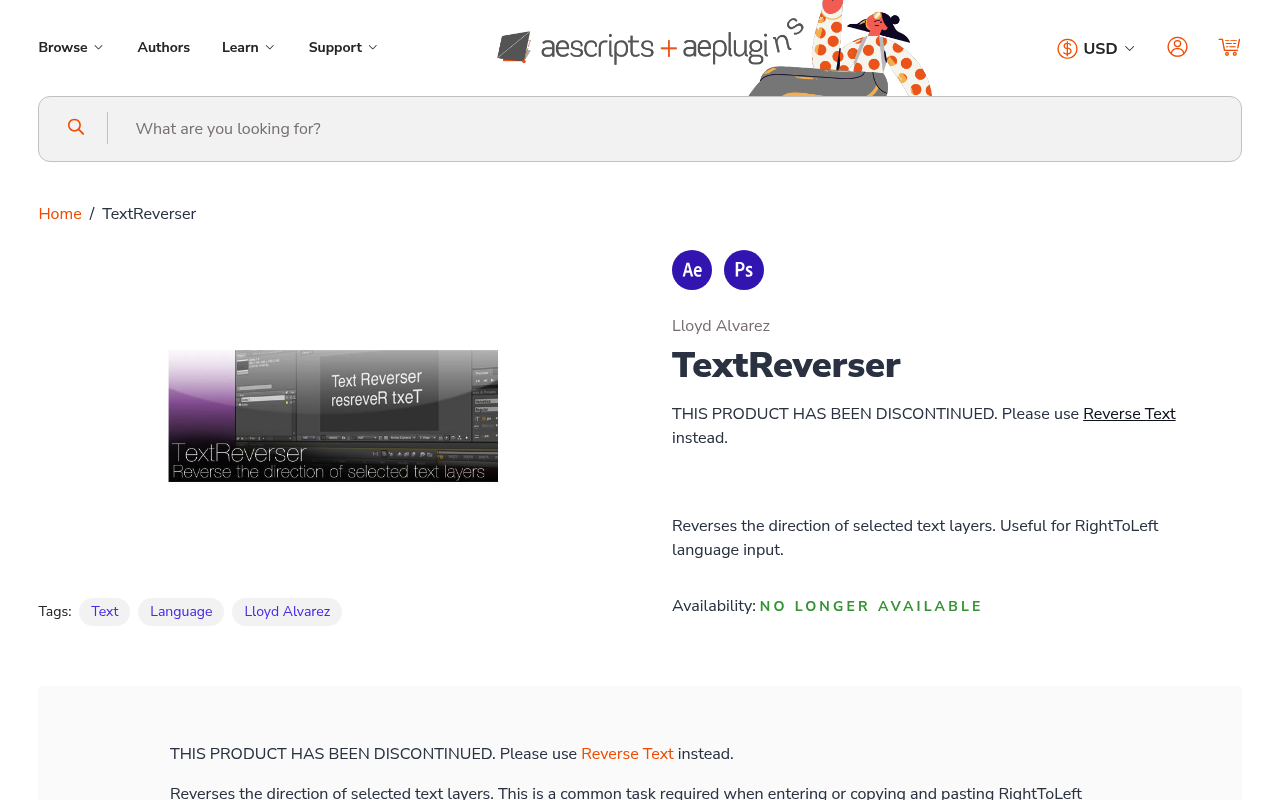
What It Does
TextReverser reverses the direction of selected text layers in After Effects and Photoshop, designed specifically for Right-to-Left (RTL) languages like Arabic. When you paste RTL text into After Effects, it typically displays in the wrong direction. This script flips it to read correctly.
Note: TextReverser has been discontinued. The developer now recommends using Reverse Text instead, which offers more features and better RTL support.
Key Features
Text direction reversal. Fixes RTL text display issues when copying and pasting into After Effects or Photoshop. Particularly useful for older After Effects versions (CS6 through CC 2015) that lack native bi-directional text support.
Simple installation. Drop the script into your Scripts folder. No complex setup required.
Photoshop compatibility. Works in Photoshop CS4 through CS6, not just After Effects.
The script addresses a specific technical limitation: animation presets like Typewriter are designed for left-to-right text and behave incorrectly with RTL languages. For RTL typewriter effects, the developer recommends using AM Typewrite Text instead.
Who It’s For
Motion designers working with Arabic, Hebrew, Persian, or other RTL languages in older versions of After Effects. If you’re on CC 2018 or newer, After Effects includes native RTL support, making this script less necessary.
Pricing
TextReverser was available as pay-what-you-want pricing before discontinuation. The replacement plugin, Reverse Text, costs $2.51 with a free trial (limited to 5 layers at once). Existing TextReverser users may qualify for upgrade pricing when logged in.