Spotlight FX
freemium2,300+ assets and workflow tools for Premiere Pro and After Effects
Discover, compare, and find the perfect plugins, scripts, and extensions for Adobe After Effects. Curated by motion designers, for motion designers.
2,300+ assets and workflow tools for Premiere Pro and After Effects
Sync video speed to audio amplitude in real time
Batch create proxies for multiple project items at once
Reposition selected masks in After Effects with animatable controls
Offsets layer in-points from current time to sequence compositions
Splits layers into rectangular pieces using expression-driven masks
Split layer masks onto individual duplicate layers automatically
Translates expression control names to match After Effects language
Apply presets to multiple comps or footage items at once
Automatically update footage file paths across multiple After Effects projects
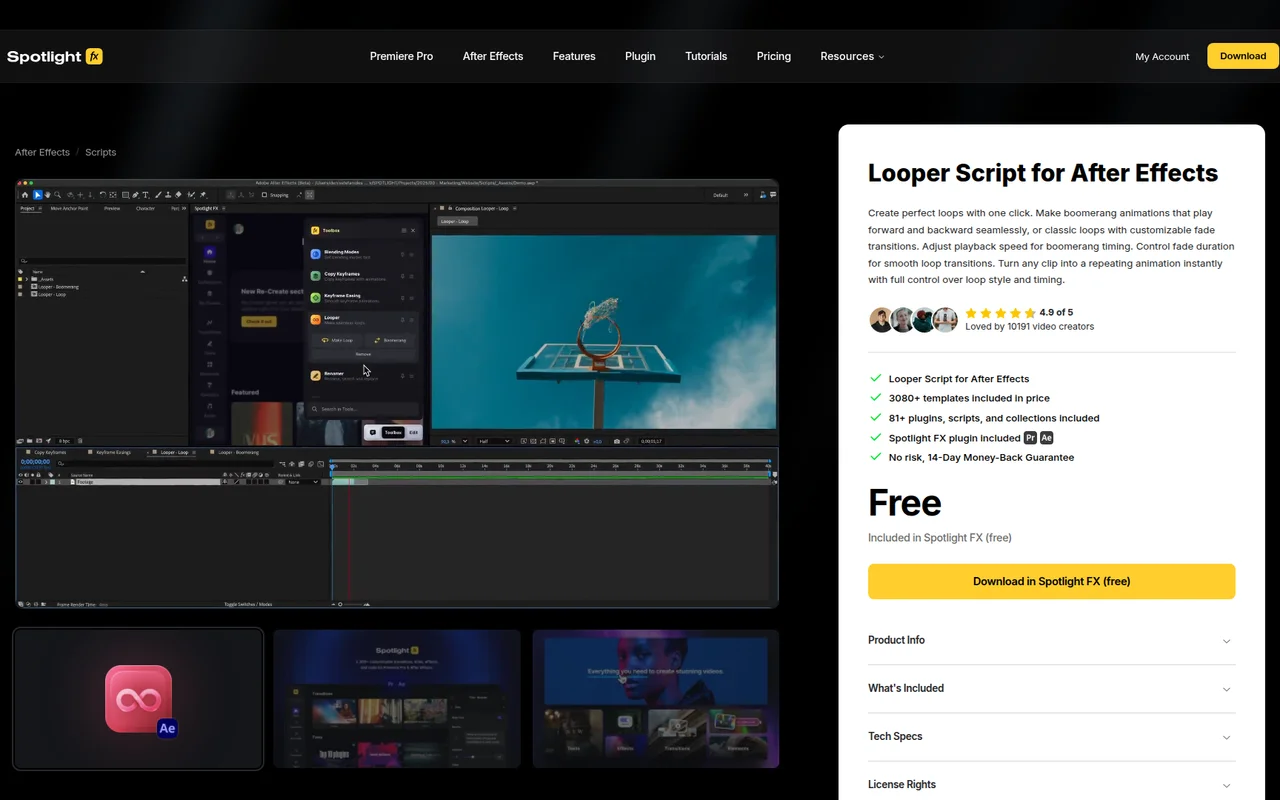
Loops selected layers with dissolving transitions in one click
Batch edit, delete, and export comp and layer markers with custom formats
Batch render multiple work areas from a single composition
Creates null objects and parents them to selected layers automatically
Quick access to After Effects performance settings and cache management
Shifts layers along a sine curve and tags versions for instant switching
Randomly offset selected layers in time within a custom range
Queue renders for every layer marker frame in your comp work area
Auto-load custom project templates when After Effects launches
Duplicates layers and auto-updates expressions to reference the new copies
Automatically place markers, split layers, or add text based on audio peaks
Turns on all disabled expressions in selected layers at once
Tag and organize After Effects layers into selectable groups
Distribute layers in 3D space and adjust layer duration with frame offsets
Sort project items into folders by matching filename prefixes
Reverses text direction for RTL languages in After Effects
Rotate photos in After Effects using their EXIF orientation data
Fits layers to comp frame with cropping or letterboxing options
Randomly selects layers in After Effects with adjustable density options
Select every Nth layer in your composition by interval
Pixflow offers a subscription asset library with AI tools; Motion Bro is a free plugin with one-time transition packs. Here's how to choose.
Spotlight FX vs Animation Composer: compare features, pricing, and workflow for AE and Premiere Pro editors in 2026.
The strongest no-cost tools to build a real After Effects workflow, ideal for students and designers just getting serious.
6 toolsFor motion designers rigging characters or adding personality to graphics, with physics-based and preset-driven tools that bring things to life.
4 toolsFor journalists, explainer creators, and broadcast designers who need to turn location data into compelling animated maps.
3 toolsFor compositors and VFX artists who need serious tools for tracking, rotoscoping, masking, and cinematic finishing.
4 toolsDesigned for motion designers handing off animations to developers. Build, refine, and export Lottie-ready work efficiently.
4 toolsPurpose-built for designers crafting openers, lower thirds, and kinetic type that needs to look polished on screen.
5 tools