
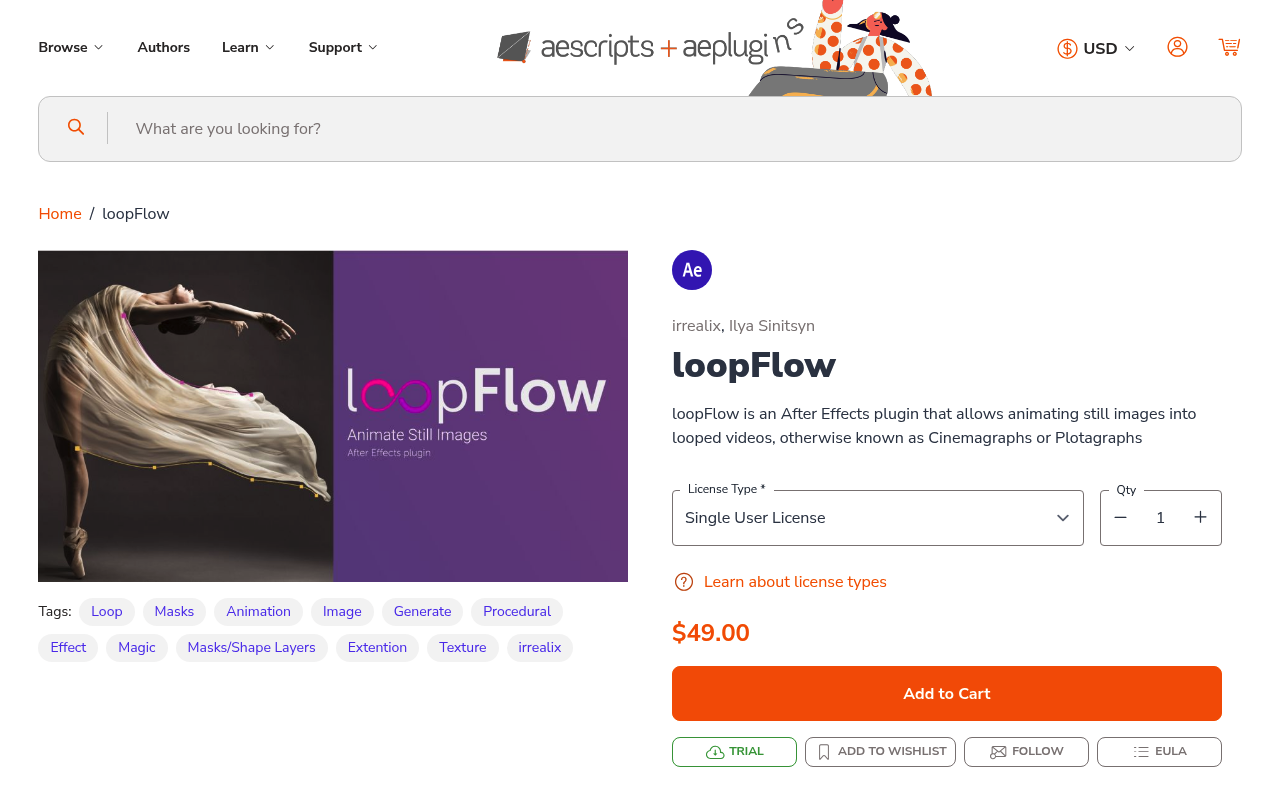
What It Does
loopFlow turns still images into seamless looping animations. You draw two masks to define a flow area and direction, and the plugin animates a section of the image along the mesh between them. The result is continuous motion like flowing water, drifting smoke, billowing fabric, or flickering flame, without frame-by-frame work.
It’s the standard After Effects approach to cinemagraphs and plotagraphs: parts of the image stay still while others loop continuously.
Key Features
Two-mask flow control. One mask sets the start of the flow, the other sets the direction and extent. The animated region moves along the path you define between them.
Three blend modes. Linear, soft noised, and wiped transitions each affect how the looping edge looks. Curves let you fine-tune the timing of each blend.
Optional distortion. Adds organic variation to the motion so it doesn’t look like a mechanical repeating tile. The FlowMap option shapes noise to follow your mask direction.
Speed Ramp. Adjust flow speed dynamically through the animation for acceleration and deceleration effects.
Loop controls. Set exactly when the cycle starts and stops, which matters when the animation needs to sync to other elements in your composition.
Who It’s For
Motion designers adding life to static images for social media, title sequences, or background elements. Photographers and editors working on cinemagraphs for advertising or editorial use will find the mask-based workflow practical for selective animation, keeping some parts of the image completely still.
Compatible with After Effects CC 2014 through 2026.
Pricing
Pay-what-you-want, suggested price $20. One-time purchase, no subscription.
