

Overview
Spotlight FX and Animation Composer both solve the same basic problem: getting professional-looking motion graphics into your timeline without building everything from scratch. Both live inside a panel, both use a browse-and-apply model, and both include some workflow utility scripts alongside their asset libraries. If you’re deciding between them, you’re almost certainly a video editor or motion designer who works in After Effects regularly and wants to cut down on repetitive setup time.
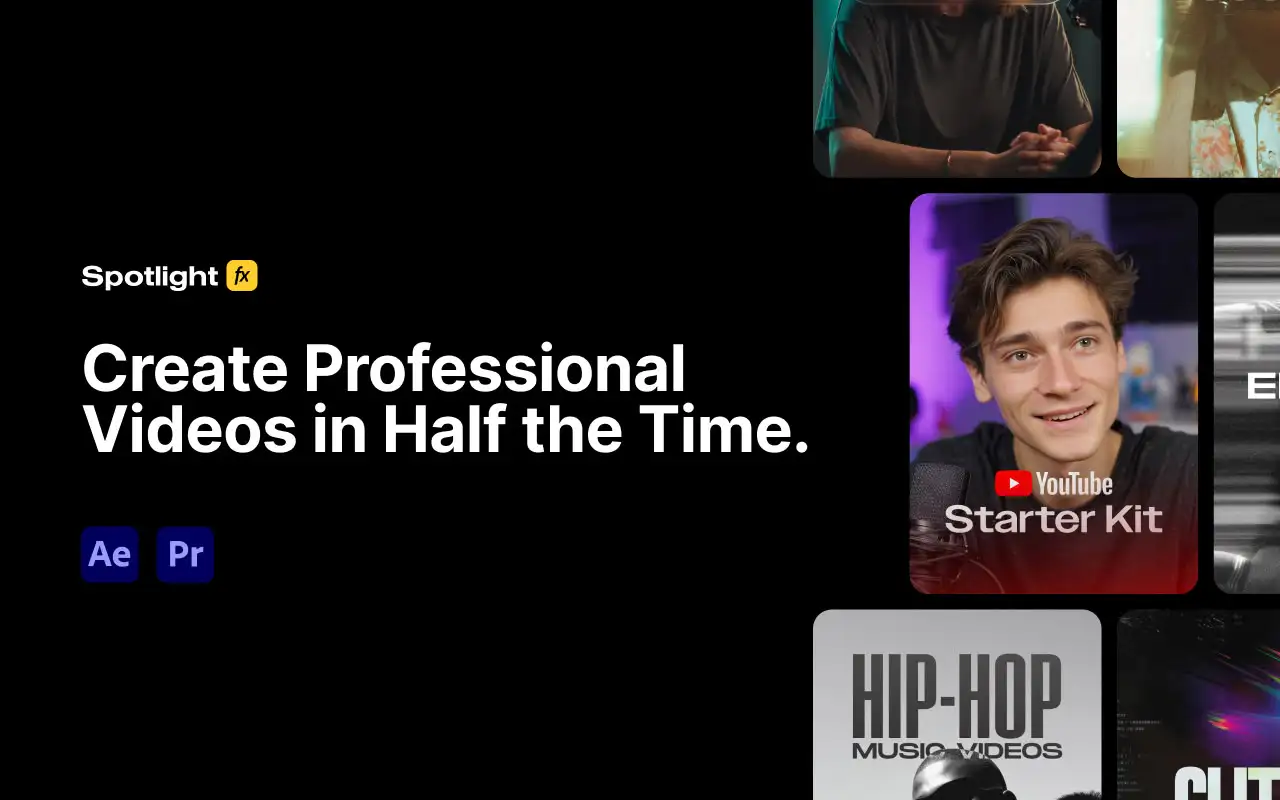
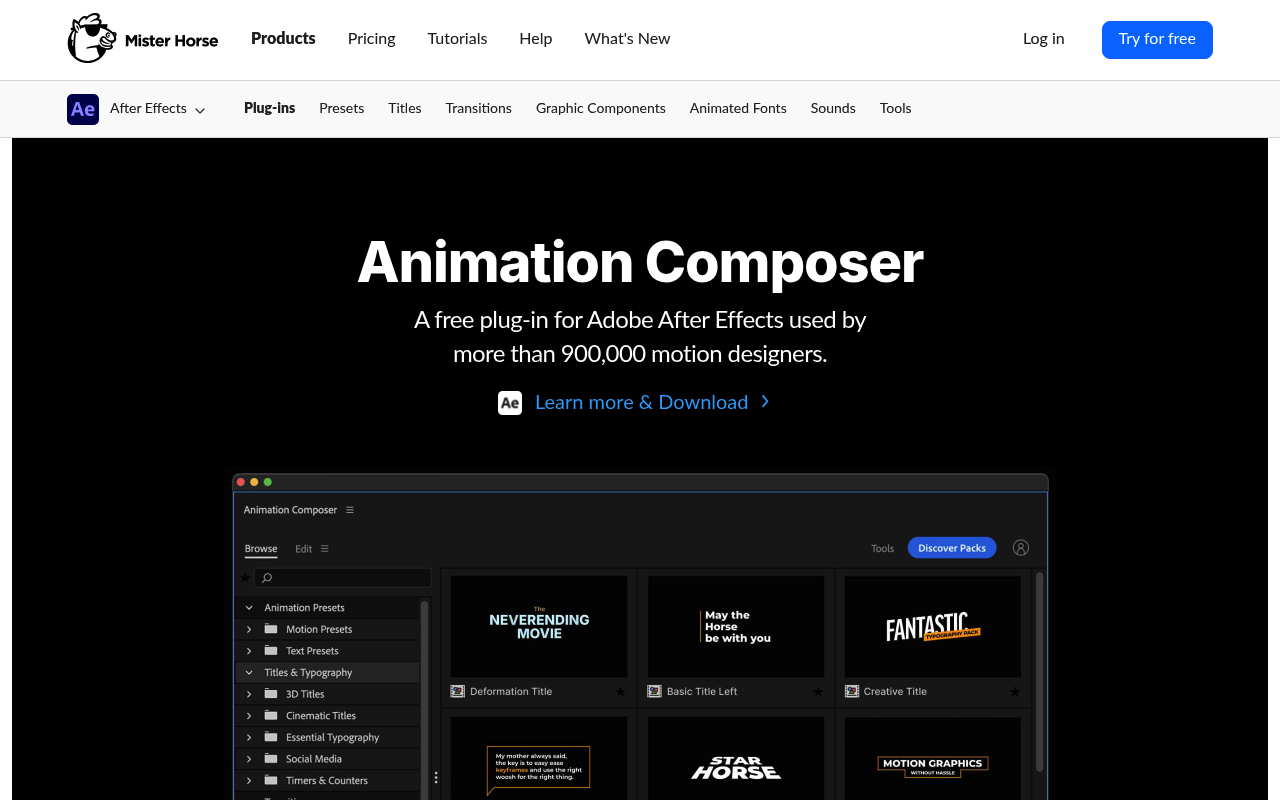
The meaningful differences come down to scope, deployment model, and where each tool sits in a professional workflow. Spotlight FX is a cloud-based library service covering 2,500+ assets across transitions, titles, overlays, and graphics, and it works in both After Effects and Premiere Pro. Animation Composer is a Mister Horse product that functions as a procedural preset engine for After Effects, with a companion Premiere Composer plugin for Premiere Pro. Animation Composer’s library now exceeds 6,000 assets in its paid tier and has been used by over 900,000 motion designers. Both are legitimate tools. Neither is a clear winner for every situation.
Features Side by Side
| Feature | Spotlight FX | Animation Composer |
|---|---|---|
| Library size (paid) | 2,500+ assets | 6,000+ assets |
| Free tier | 40+ assets, all workflow tools | 100+ presets, core tools |
| Host apps | After Effects + Premiere Pro | After Effects + Premiere Pro (separate plugins) |
| Asset delivery | Cloud-based, downloads on demand | Local install via Product Manager app |
| Workflow tools included | Anchor Point Mover, Looper, Keyframe Easing, Renamer, Blending Modes, OBS Chapters Extractor | Keyframe Wingman, Anchor Point Mover, Layer Shifter, Transition Shifter, Keyframe Actions |
| After Effects import format | Native compositions (editable layers) | Procedural presets applied to existing layers |
| Live hover previews | Yes | Yes |
| User library (custom assets) | Collect Assets (project-tied) | Full user library with 500-item free limit, unlimited on paid |
| Pricing model | Freemium: monthly, annual, or one-time lifetime | Subscription only ($19.90/month or ~$16.50/month billed annually) |
The most important functional difference between these tools is how they apply assets to your composition. Animation Composer applies presets directly to layers you already have selected. You pick a text layer, choose an animation preset, and the plugin writes keyframes and expressions onto that layer. The result is native After Effects data that survives even if you uninstall the plugin. This is a meaningful advantage for motion designers who want to keep projects clean and portable.
Spotlight FX imports assets as full compositions dropped into your timeline. In After Effects, these land as editable compositions you can open and modify at the layer level. This approach is faster for adding pre-built elements like lower thirds, overlays, or transitions to footage-based work, but it adds more composition overhead to complex projects. The assets are MOGRT-based, which means customization happens through the Spotlight FX panel’s own controls rather than through After Effects’ native properties, unless you dig into the composition itself.
On workflow tools, both plugins cover anchor point management and keyframe easing, but their approaches differ. Mister Horse’s Keyframe Wingman is specifically built for the After Effects Graph Editor workflow and includes keyframe mirroring, randomization, and easing copy-paste. Spotlight FX’s easing tools are more straightforward preset curves. For pure motion design work in After Effects, Wingman is the more capable tool. For editors who primarily want to add graphics to footage rather than animate from scratch, the difference is less relevant.
Pricing
Spotlight FX uses a freemium model with three paid tiers. The free tier gives you 40+ assets and all workflow tools with no time limit. Paid plans are $29/month (monthly), $14/month billed annually, or $299 as a one-time lifetime purchase. The lifetime plan includes one year of new asset additions; after that, new items can be unlocked for an optional $49/year. Existing assets and plugin updates are yours regardless of whether you renew. A 14-day refund policy applies if fewer than 10 premium assets have been downloaded and not used commercially. Pricing verified as of March 2026, check spotlightfx.com for current rates.
Animation Composer 3 has been discontinued as a standalone product on aescripts.com. All Mister Horse products, including Animation Composer 4, now require a Mister Horse subscription. Plans are $19.90/month or approximately $16.50/month on an annual plan ($198/year). The free version of Animation Composer still exists and includes 100+ presets and the core workflow tools, but the paid tier (6,000+ assets) requires an active subscription. There is no lifetime purchase option. One subscription covers both Animation Composer and Premiere Composer. Pricing verified as of March 2026, check misterhorse.com for current rates.
For long-term value, Spotlight FX’s $299 lifetime deal is the cleaner option if you know you’ll use it for more than two years. Mister Horse’s subscription is perpetual, which adds up to $198-$239/year indefinitely with no exit ramp.
Performance and Workflow
In an After Effects workflow, Animation Composer sits closer to the composition layer. You’re selecting layers and applying animation behaviors to them, which maps naturally to how motion designers already work. The Keyframe Wingman and Keyframe Actions tools are specifically useful for polish work: timing adjustments, easing refinement, and staggering text animations. If your primary work involves building motion graphics from scratch in After Effects and you want to speed up the keyframing stage, Animation Composer fits that process directly.
Spotlight FX fits better into an editing-first workflow where you’re bringing pre-built graphic elements into a sequence or composition. The double-click-to-import model is fast for editors who work in Premiere Pro primarily and jump into After Effects for specific compositing tasks. The cloud delivery means you’re always on the latest version of every asset, and the Collect Assets feature ensures your project stays self-contained for archiving or sharing. The offline mode works once assets are downloaded, but browsing and downloading new items requires a connection.
One practical limitation for Spotlight FX in complex After Effects projects: because assets arrive as full compositions, a project with many Spotlight FX elements can accumulate a lot of nested comps in your project panel. Animation Composer’s layer-level approach keeps the project panel cleaner but means the presets are only as useful as the layers you already have.
Who Should Pick Which?
Choose Spotlight FX if:
- You work across both Premiere Pro and After Effects and want a single unified library for both
- You prefer a one-time payment over an indefinite subscription
- You edit content in specific genres (weddings, YouTube, hip-hop, true crime) and want curated genre collections rather than generic presets
- You want workflow tools included free with no paid tier required
Choose Animation Composer if:
- Your primary work is motion graphics in After Effects and you need procedural animation presets that apply to your own layers
- You want the larger library (6,000+ assets) and a more mature ecosystem with a longer track record
- Keyframe management tools like Wingman and Keyframe Actions are part of your daily process
- You’ve already invested in other Mister Horse products and the subscription covers tools you already use
Verdict
For most video editors who split time between Premiere Pro and After Effects and want fast access to pre-built graphics, Spotlight FX is the more practical choice in 2026. The lifetime pricing removes the recurring cost concern, the genre-specific collections are more useful for footage-based editors than generic presets, and the workflow tools are free regardless of tier. Animation Composer wins for motion designers who work primarily in After Effects and need a true preset engine that writes native keyframes to their own layers. Mister Horse’s tool is deeper, better suited to animation-focused work, and backed by a larger library, but the subscription-only model and the ongoing friction around its Product Manager app are real drawbacks. If you build animations from scratch regularly, Animation Composer. If you edit footage and need graphics fast across both Adobe apps, Spotlight FX.